


Powered by AI
Contact Center Recruiting Software for High-Volume Hiring
Over 150,000 recruiters around the world trust VidCruiter to hire better.






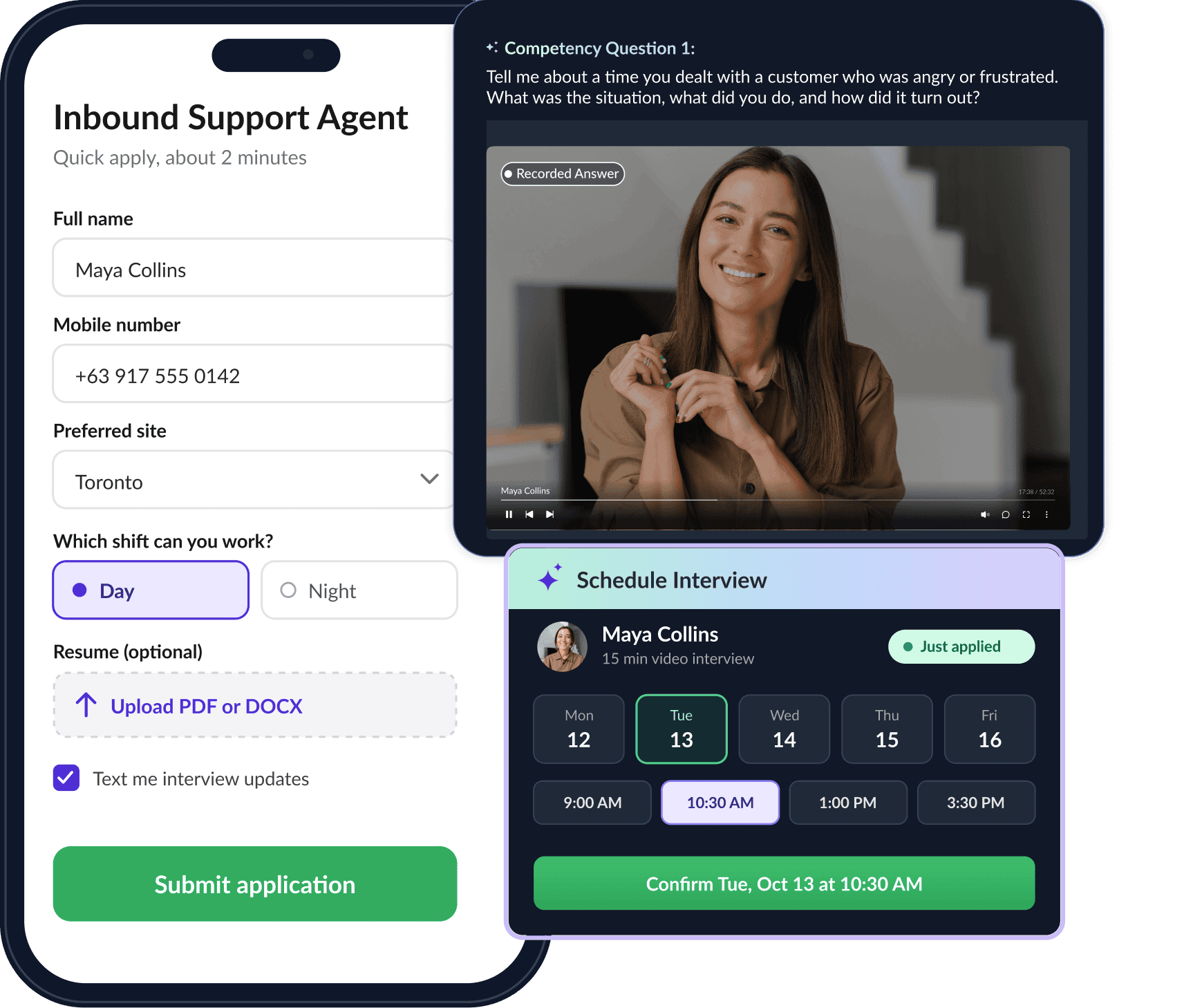
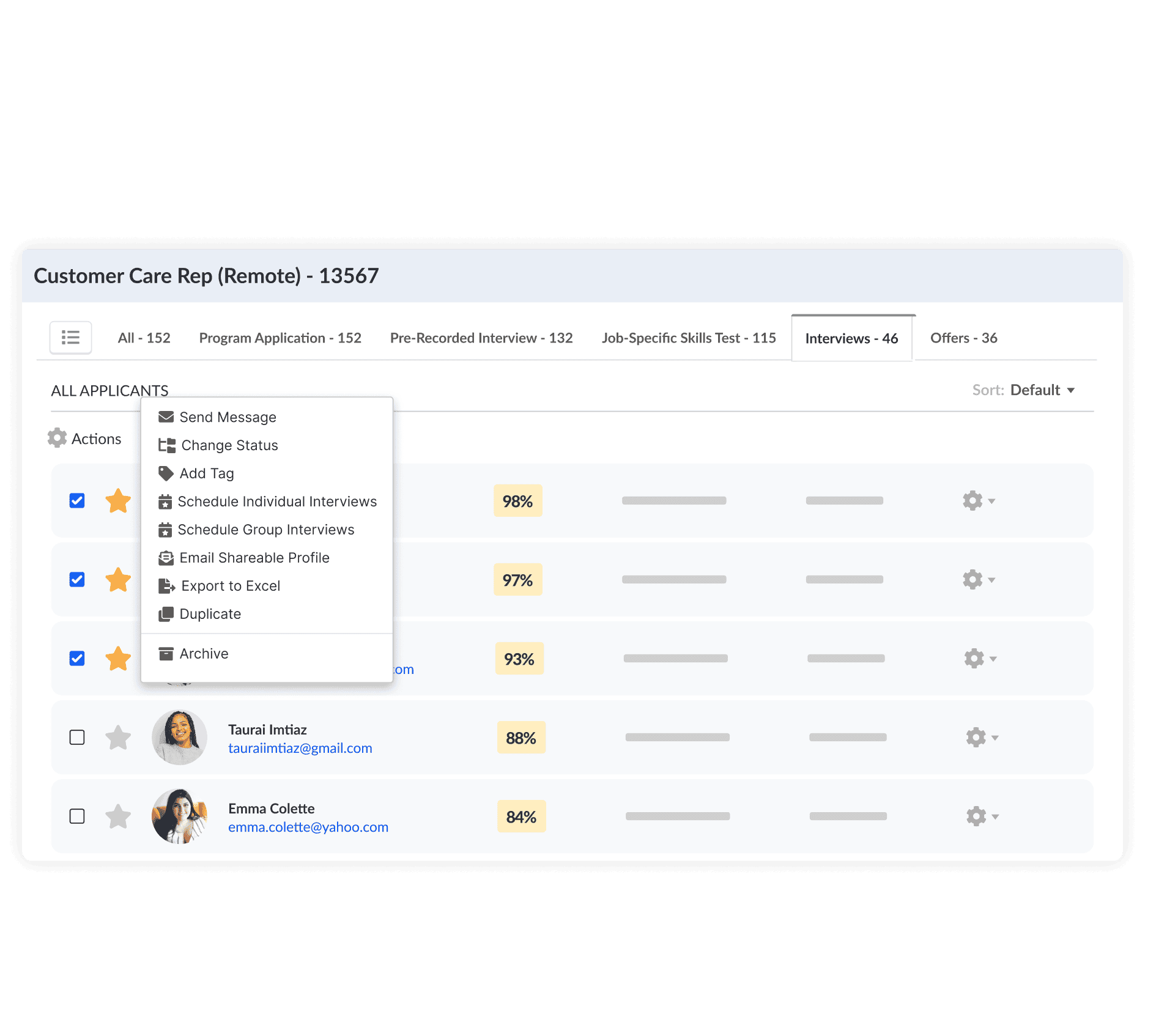
Contact center recruiting software supports call center hiring through video interview software, with tools for sourcing, screening, assessing, and hiring. VidCruiter gives candidates a simple mobile experience to complete an interview and assessment in one step. They do not need to log in or download an app. For hiring teams, the platform provides tools to review and score candidates, then book qualified agents into training classes.
Key Takeaways
Easy-to-use candidate experience.
AI recruiter support available.
Quality candidate fit.
Remote hiring support.
Secure and connected.
How Does Contact Center Recruiting Software Work?
Contact center recruiting software helps hiring teams source, screen, assess, and interview agent candidates more quickly. VidCruiter combines structured hiring tools to support recruiting teams. The software helps hiring teams maintain consistent workflows across sourcing, screening, assessment, and interviewing.
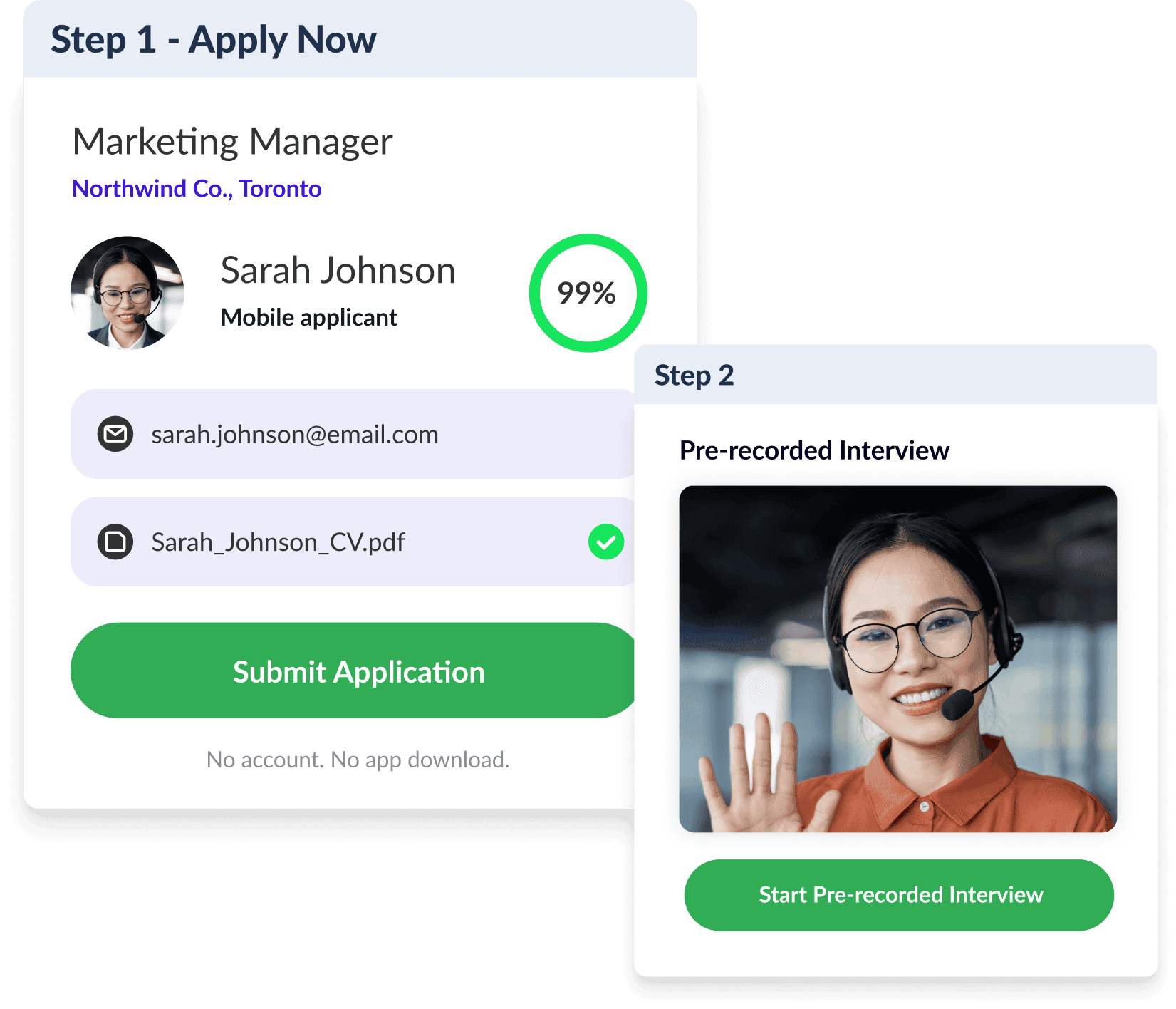
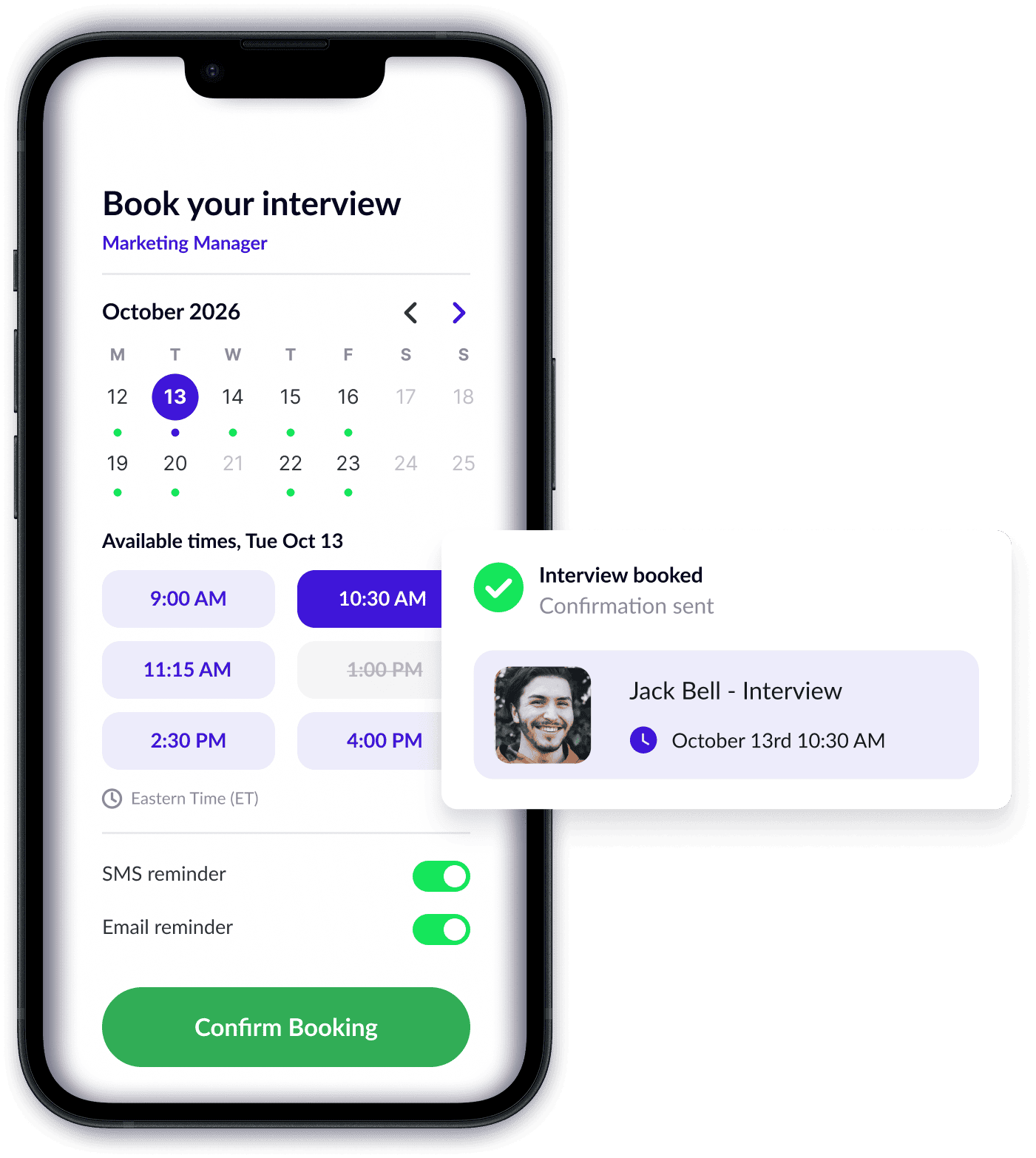
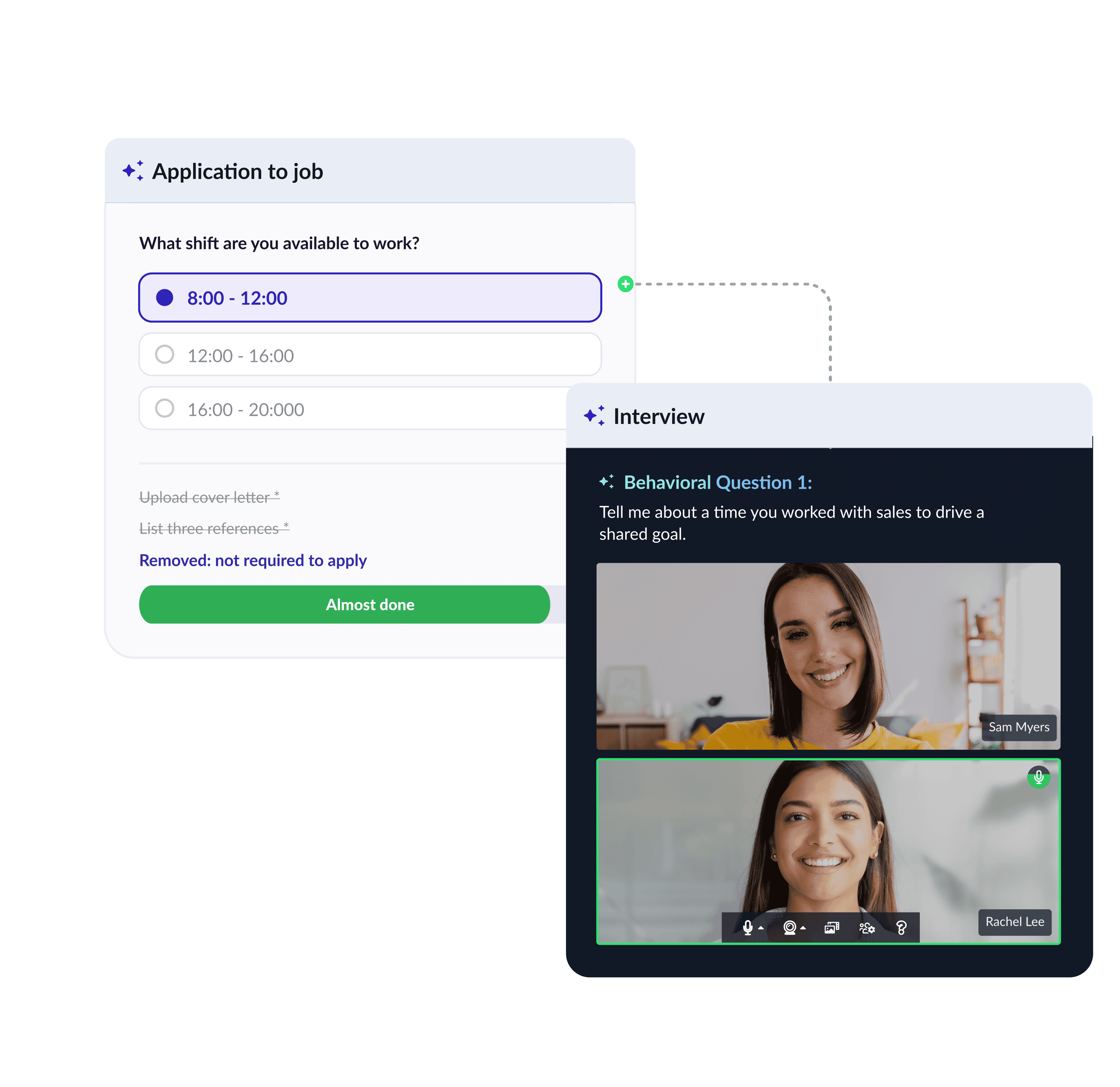
Candidates submit an application online. With VidCruiter, they can apply from a mobile device without creating an account or downloading an app.
What AI Features Power VidCruiter’s Contact Center Recruiting Software?
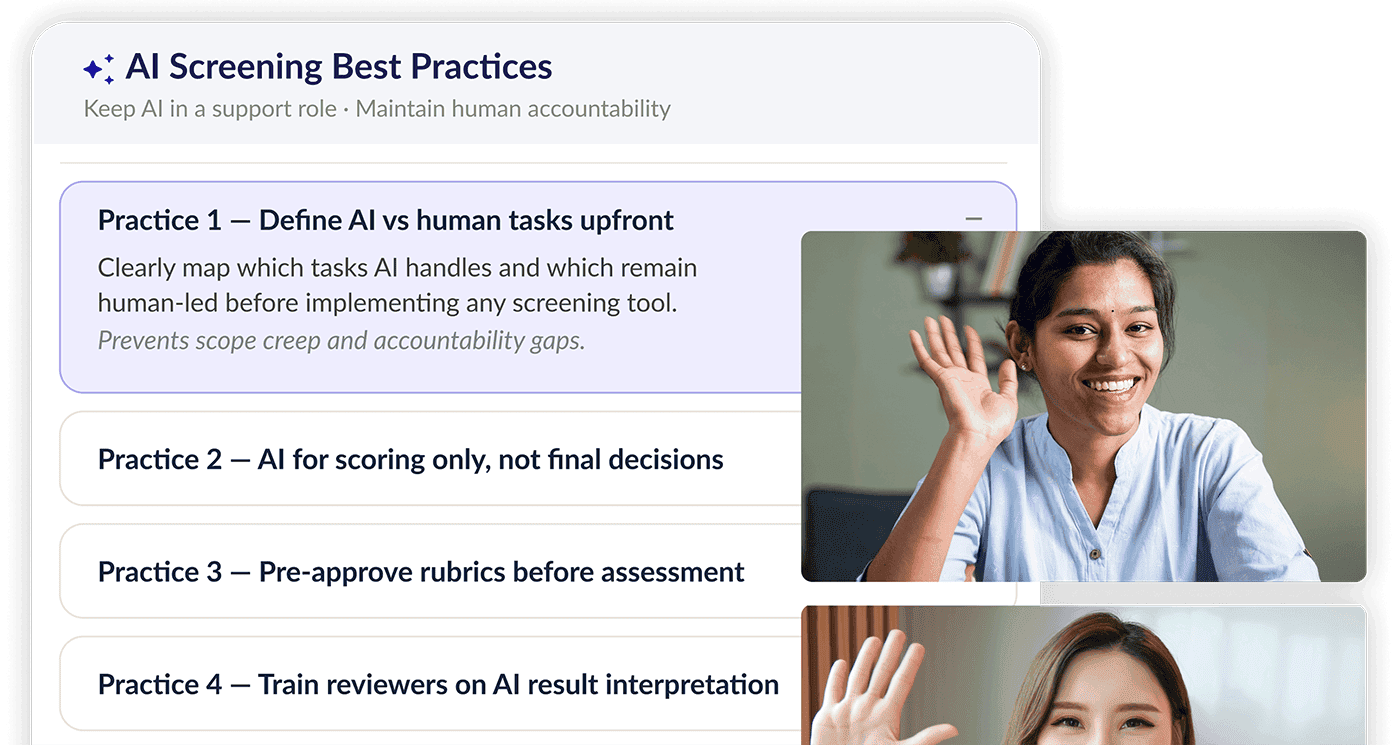
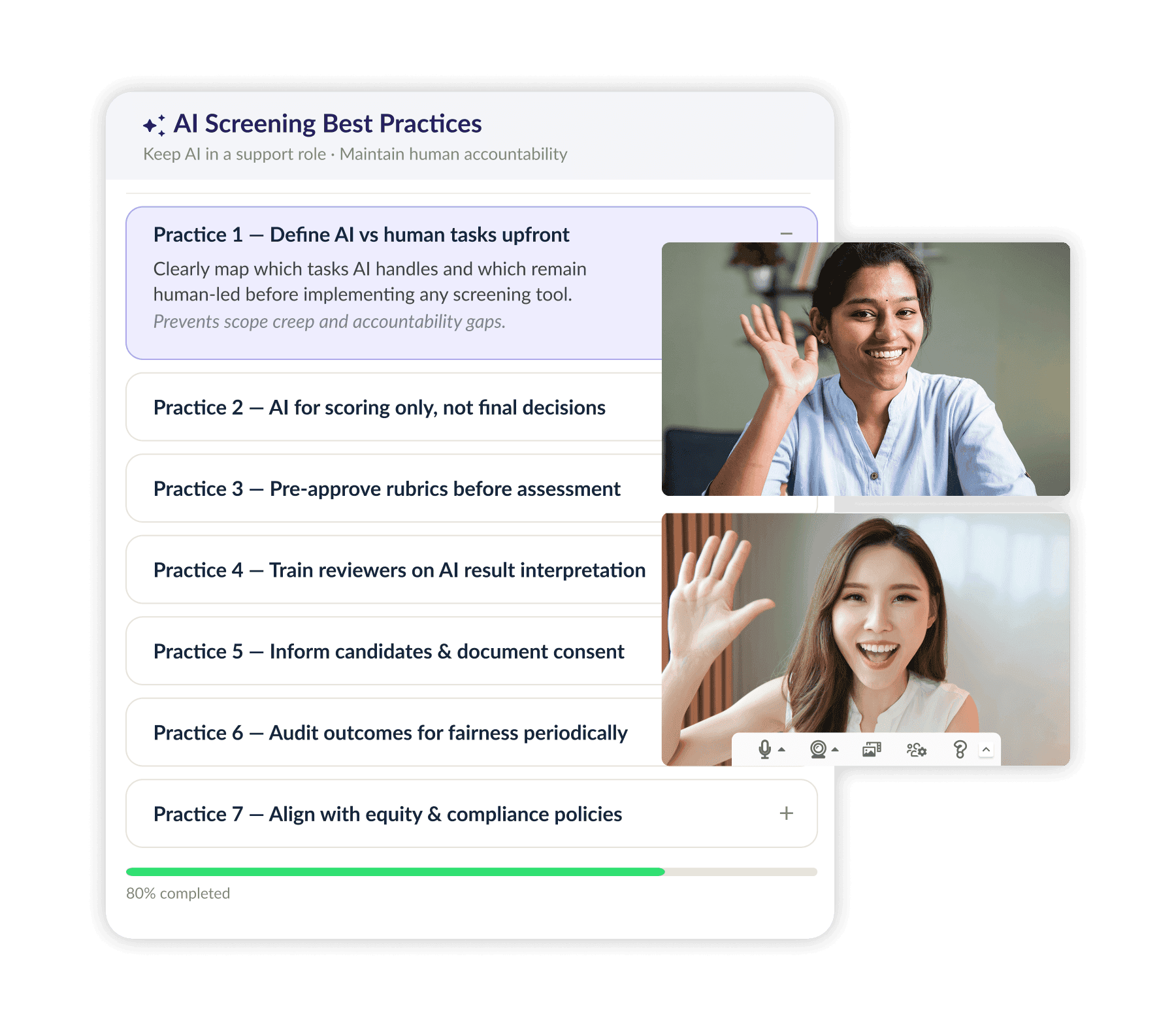
AI candidate screening (formerly AI Interview Scoring), AI interview notes, automated interview guides, and candidate fraud detection are available to support recruiter decisions. VidCruiter’s Interview Intelligence and assistive AI use client-approved rubrics. AI features are optional, so recruiters can turn them on or off by role, program, or site. Throughout the process, recruiters can access audit trails and records showing how evaluations were determined.
VidCruiter’s AI recruitment software does not use facial analysis, expression analysis, or biometric scoring. AI assisted evaluations focus on defined competencies and interview responses rather than facial features or biometric information.
AI Candidate Screening
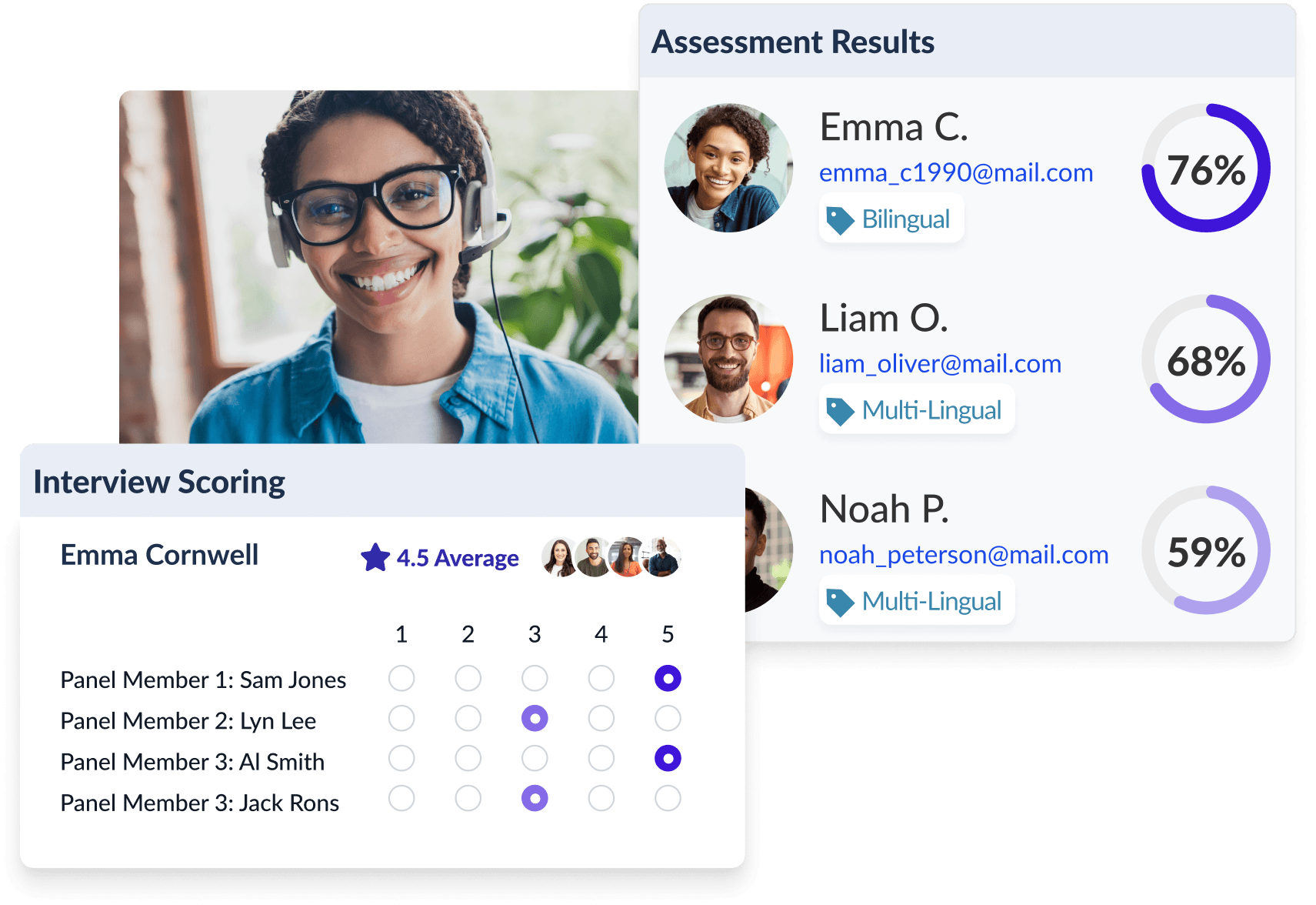
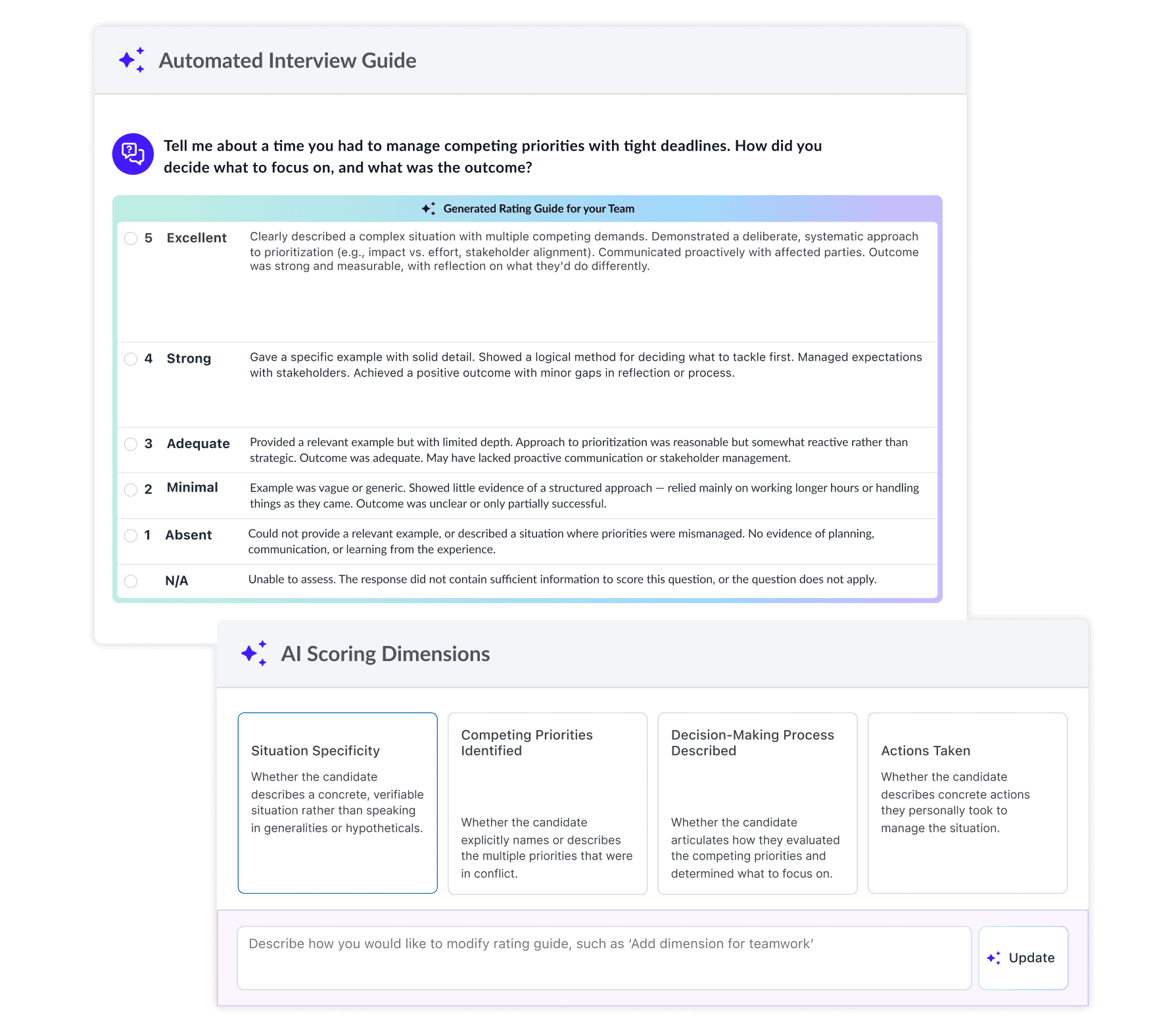
Score thousands of agent applicants against the customer service competencies your recruiters define. AI candidate screening will rank candidates based on fit and provide the reasoning behind scores, helping recruiters identify qualified candidates.
AI Interview Notes
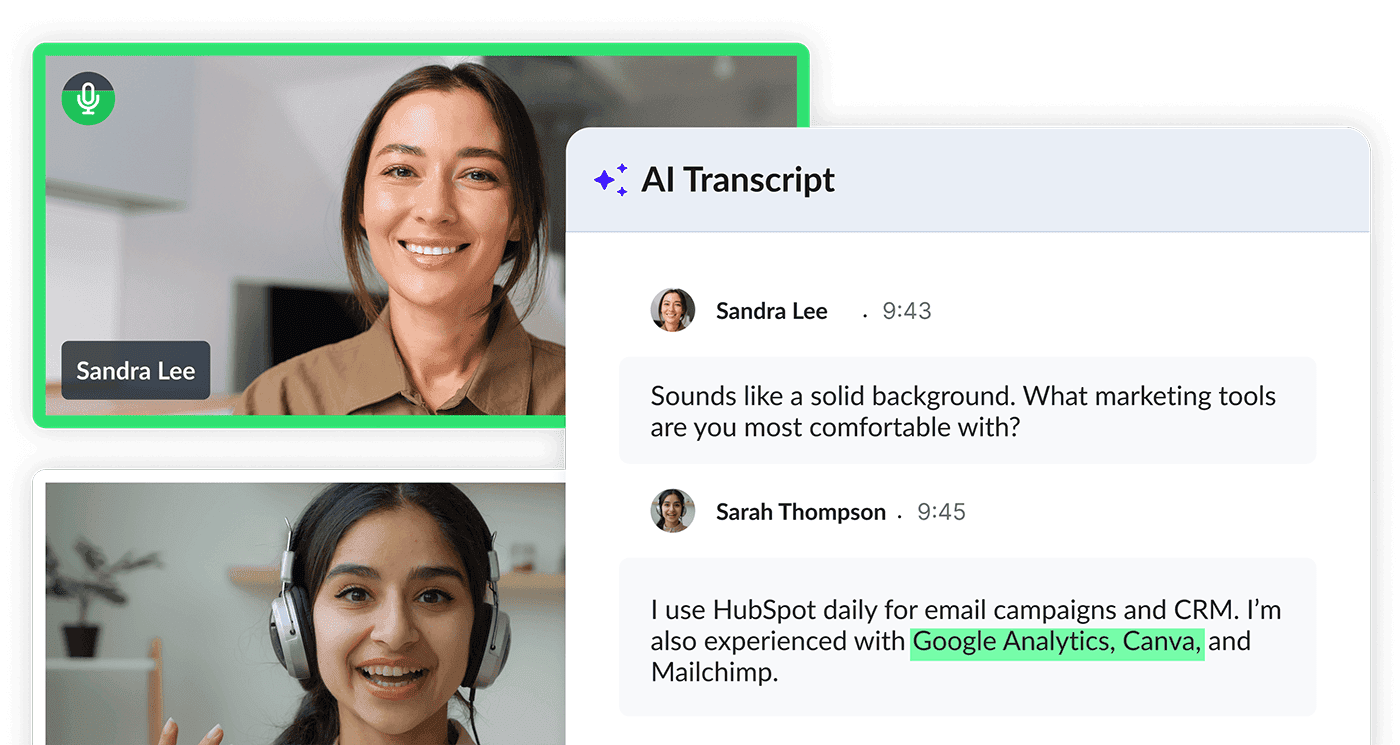
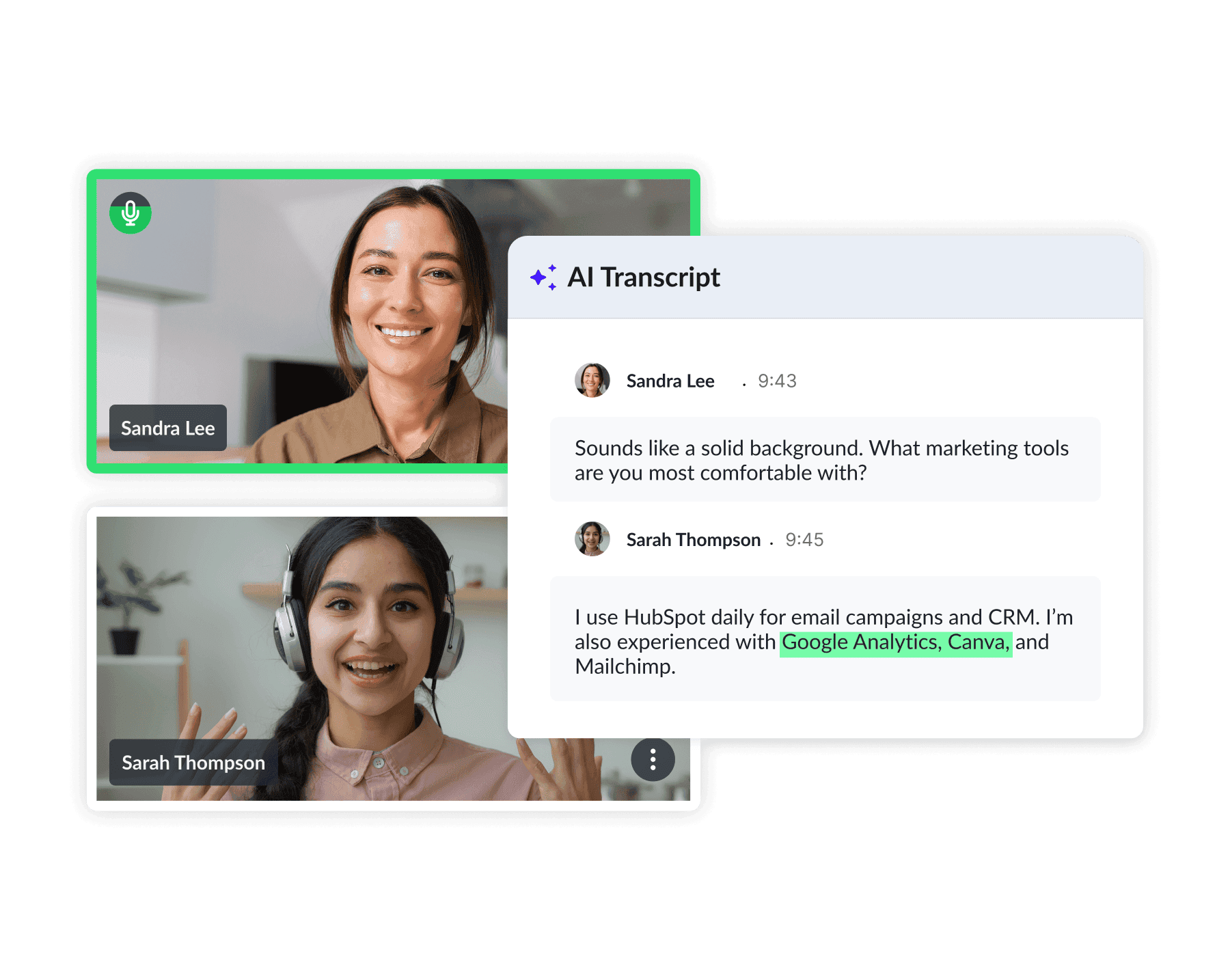
AI Interview Notes provides quick access to interview summaries for supervisors and team leads when interviews happen between shifts. Review candidate responses easily with summaries and searchable transcripts generated by AI.
Automated Interview Guides
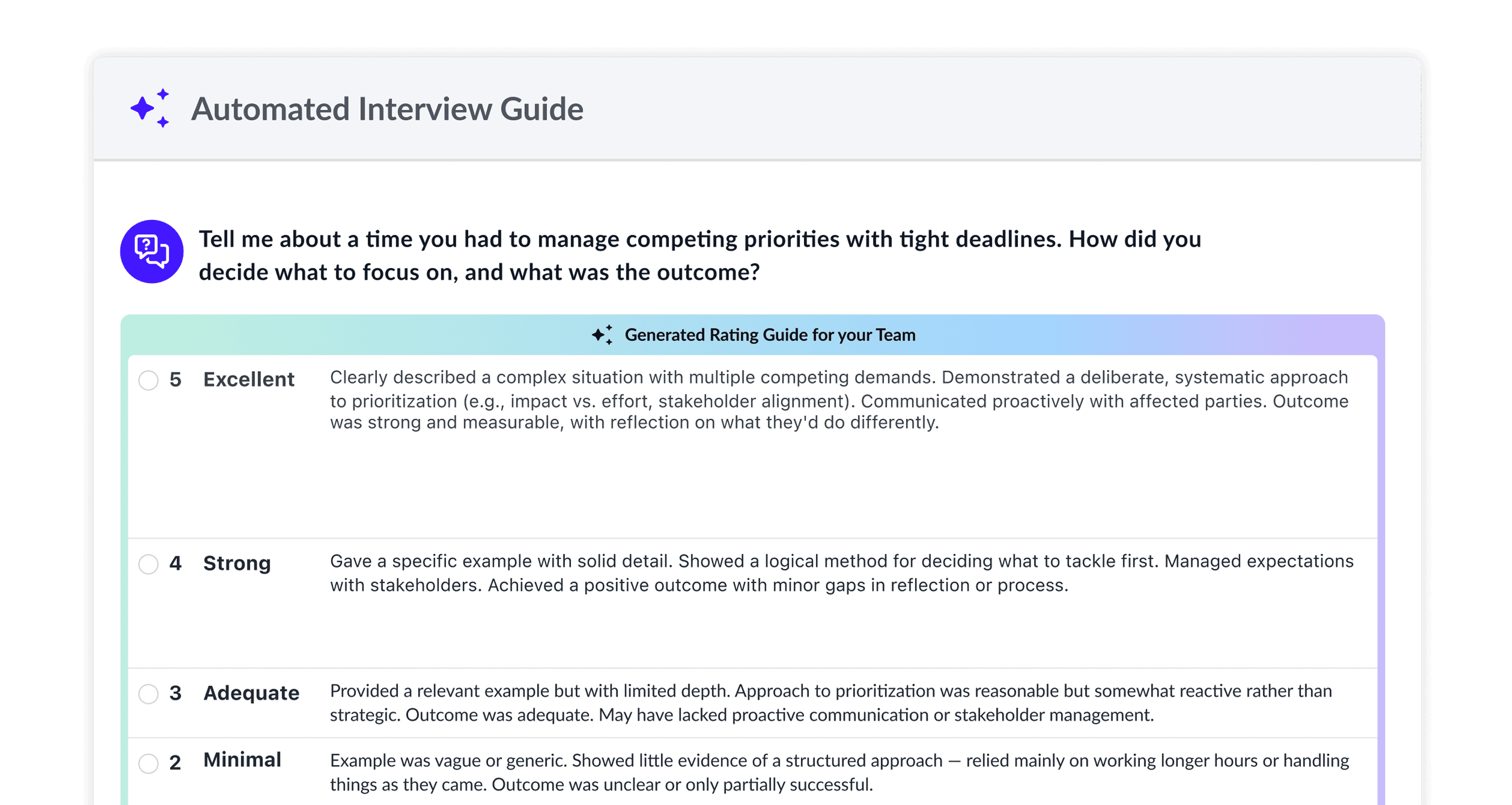
Help every site, program, and interviewer follow the same structured interview process. Automated interview guides generate complete structured interviews with competency-based questions and weighted scoring.
Candidate Fraud Detection
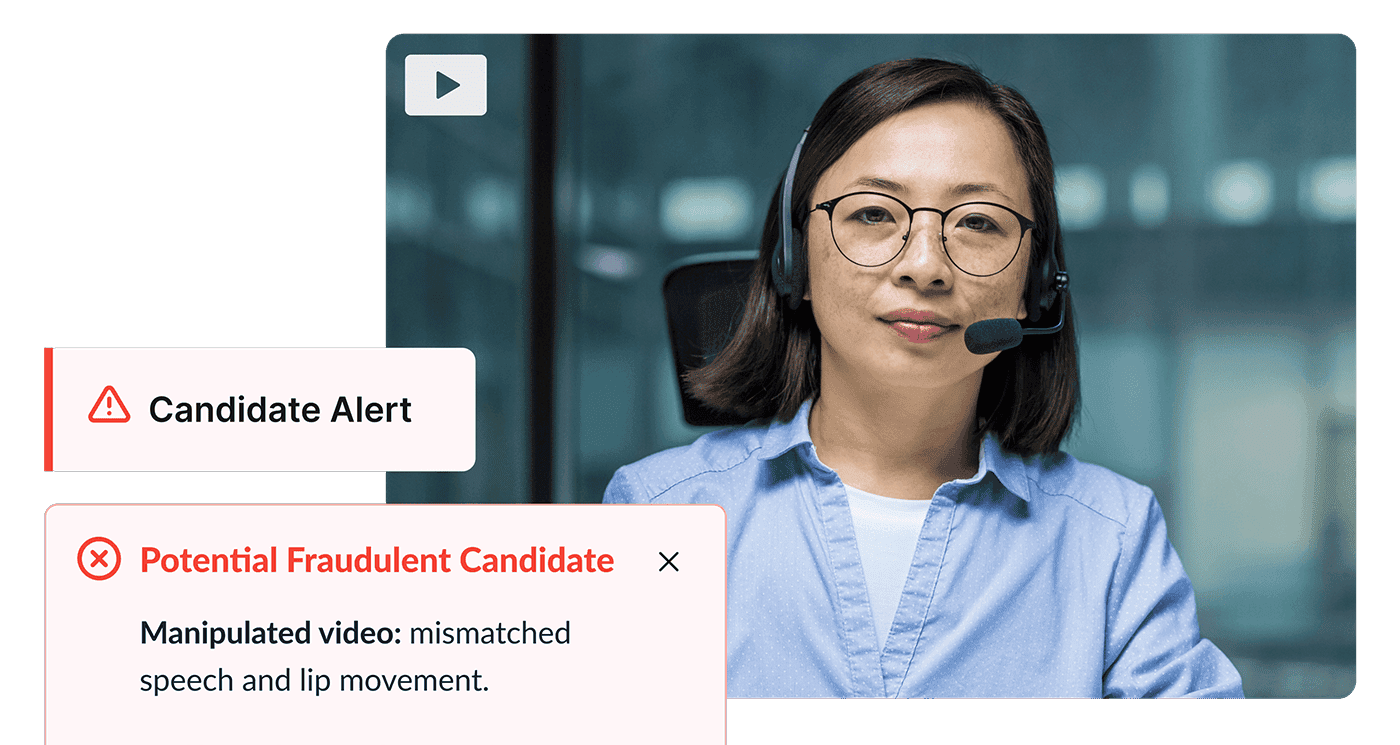
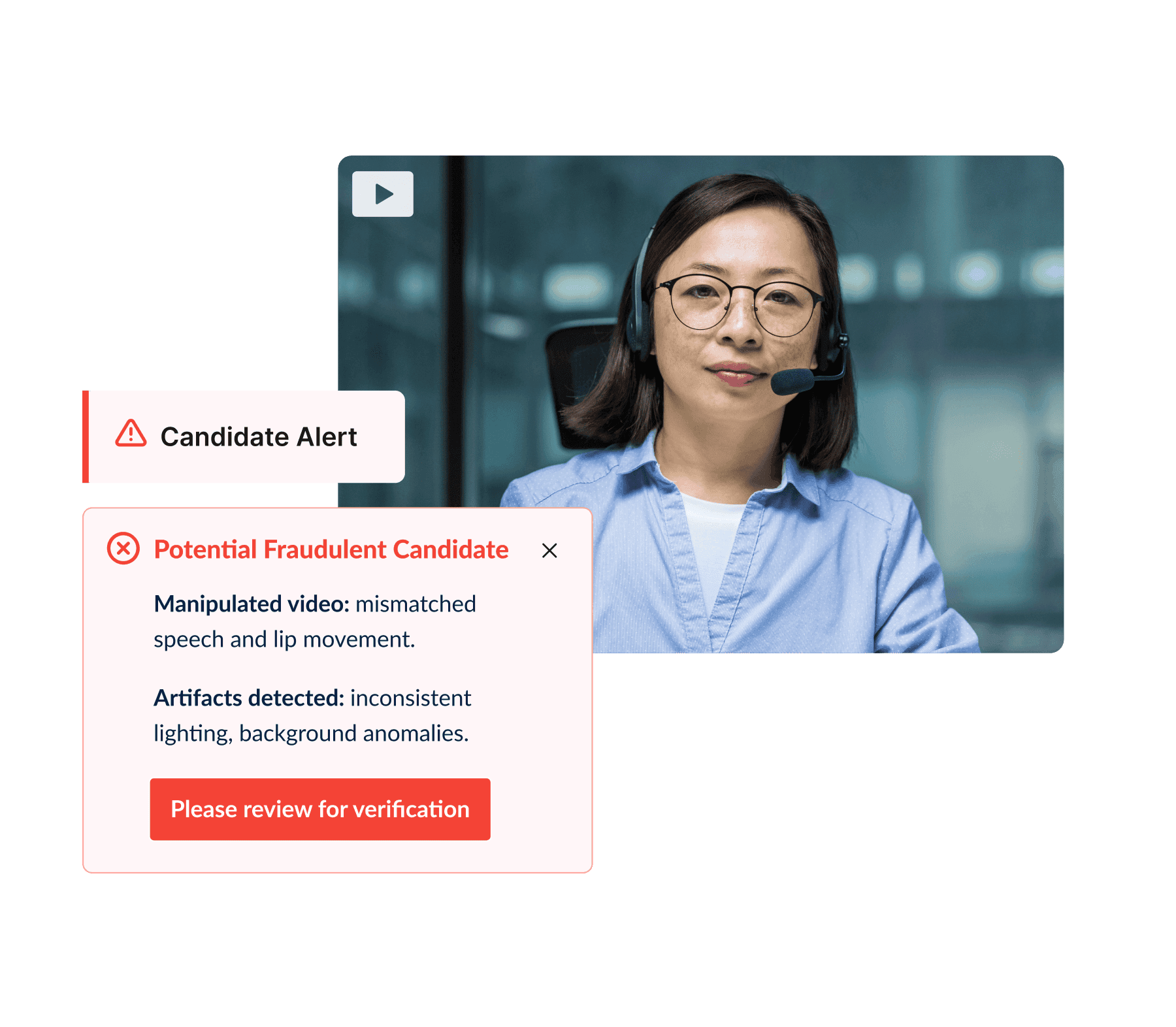
Detect fraudulent applicants early and protect teams from costly hiring and onboarding risks. VidCruiter offers identity verification, deepfake detection, browser and screen lockdown on assessments, and session monitoring for off-screen prompting.
Which Call Center Assessments Can You Run in VidCruiter?
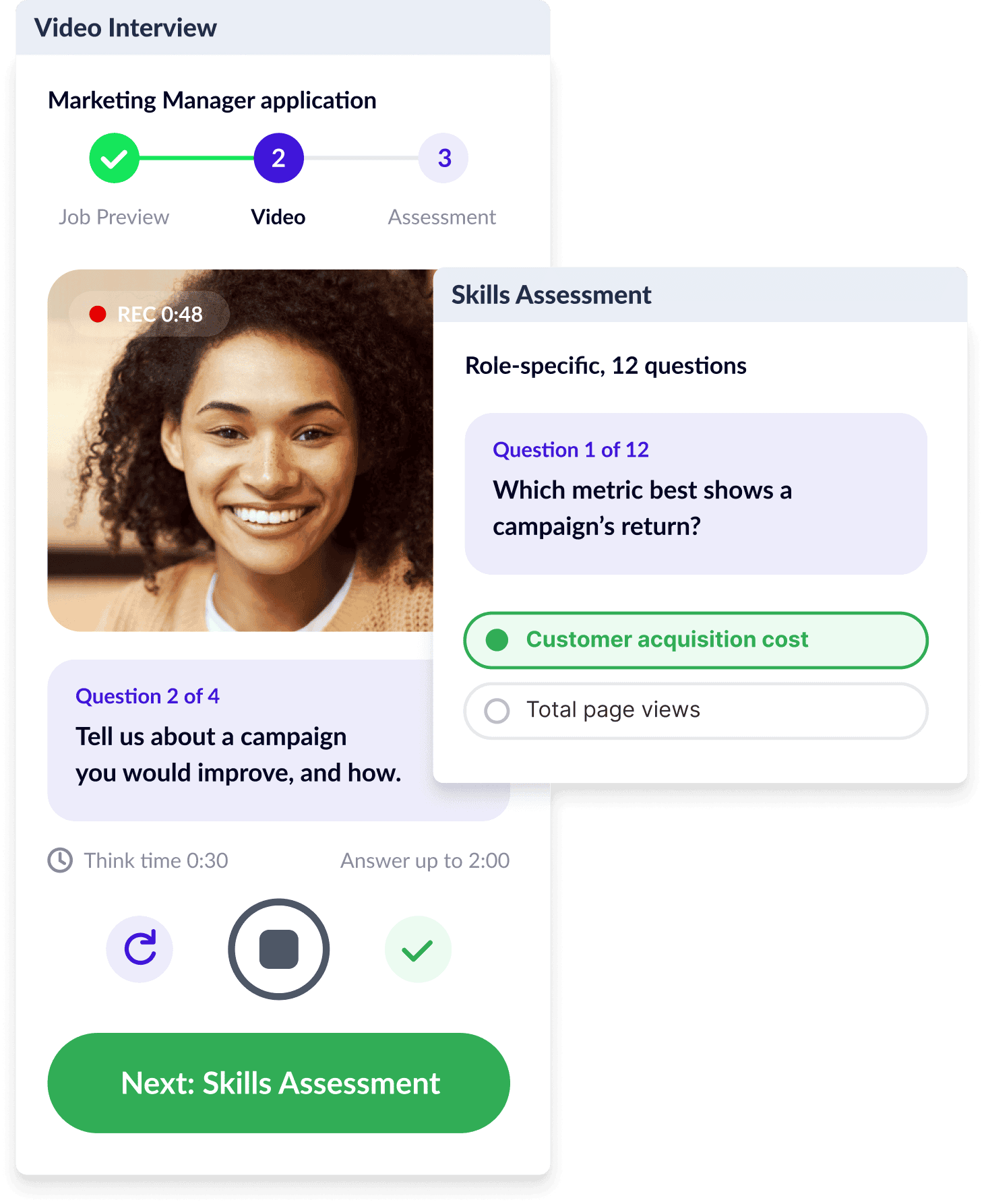
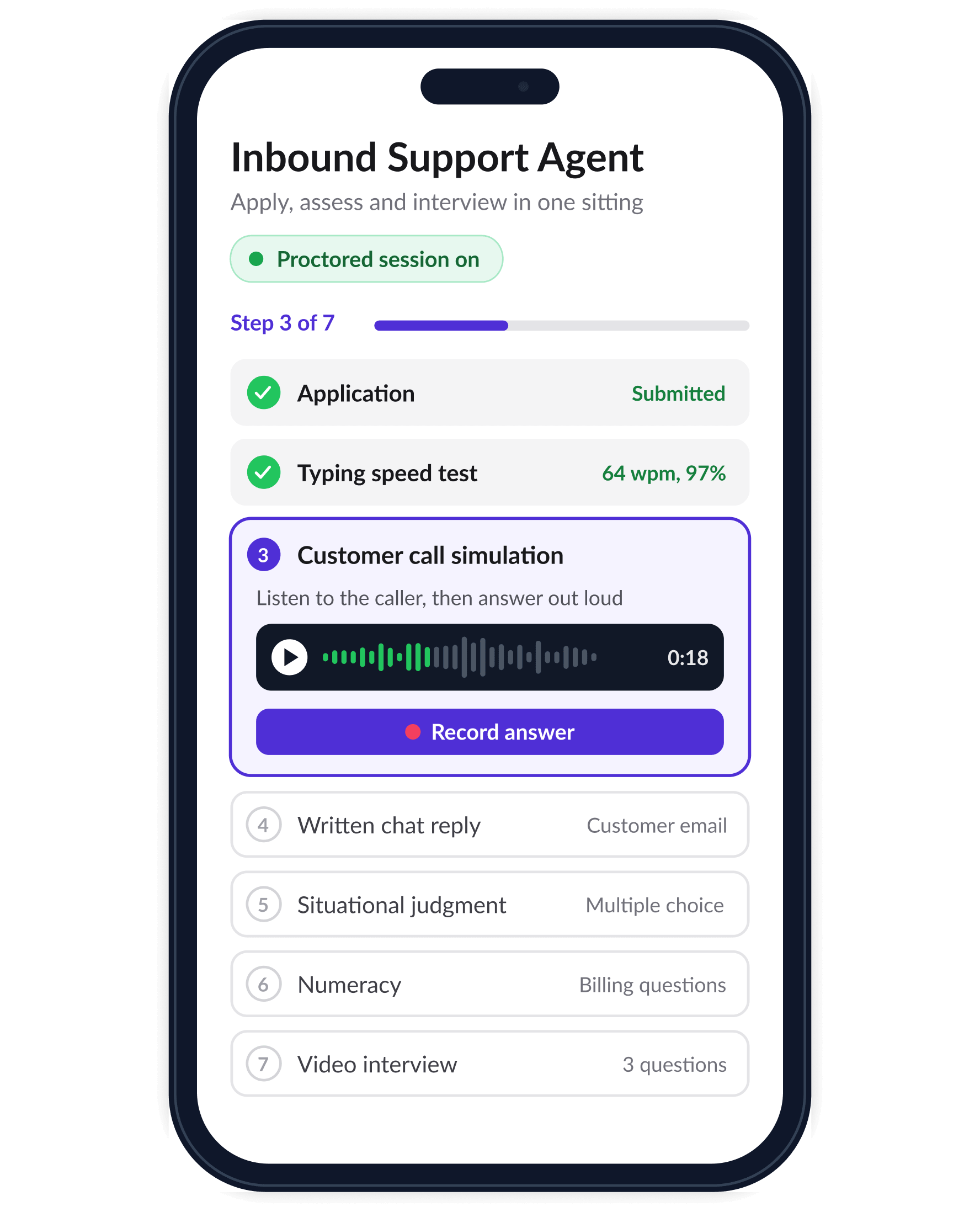
VidCruiter enables candidates to complete applications in one sitting, combining call center assessments and a video interview in one step.
- Typing speed tests. Tests applicants for typing accuracy and words per minute. Identify qualified candidates for chat and ticket roles.
- Customer scenario simulations. Recruiters tailor the call center simulation test to the role with video and audio questions based on realistic customer calls.
- Written response tests. With written response tests, call center recruiters create scenario-based simulated customer emails or chat replies to identify qualified candidates.
- Situational judgment questions. For the customer service skills test, recruiters can use situational judgment questions. These questions are multiple-choice.
- Numeracy questions. Use VidCruiter’s option for numeracy questions to identify candidates suited to billing, payments, and collections roles.
Online proctoring (real-time or recorded review) creates secure, credible assessments by helping ensure candidates complete evaluations independently and fairly. Use skills testing with VidCruiter’s pre-built question library for ready-to-use evaluations. Create a custom pre-employment assessment for in-depth evaluation of roles and competencies.
Why Should Contact Centers Use Recruiting Software to Lower Agent Attrition?
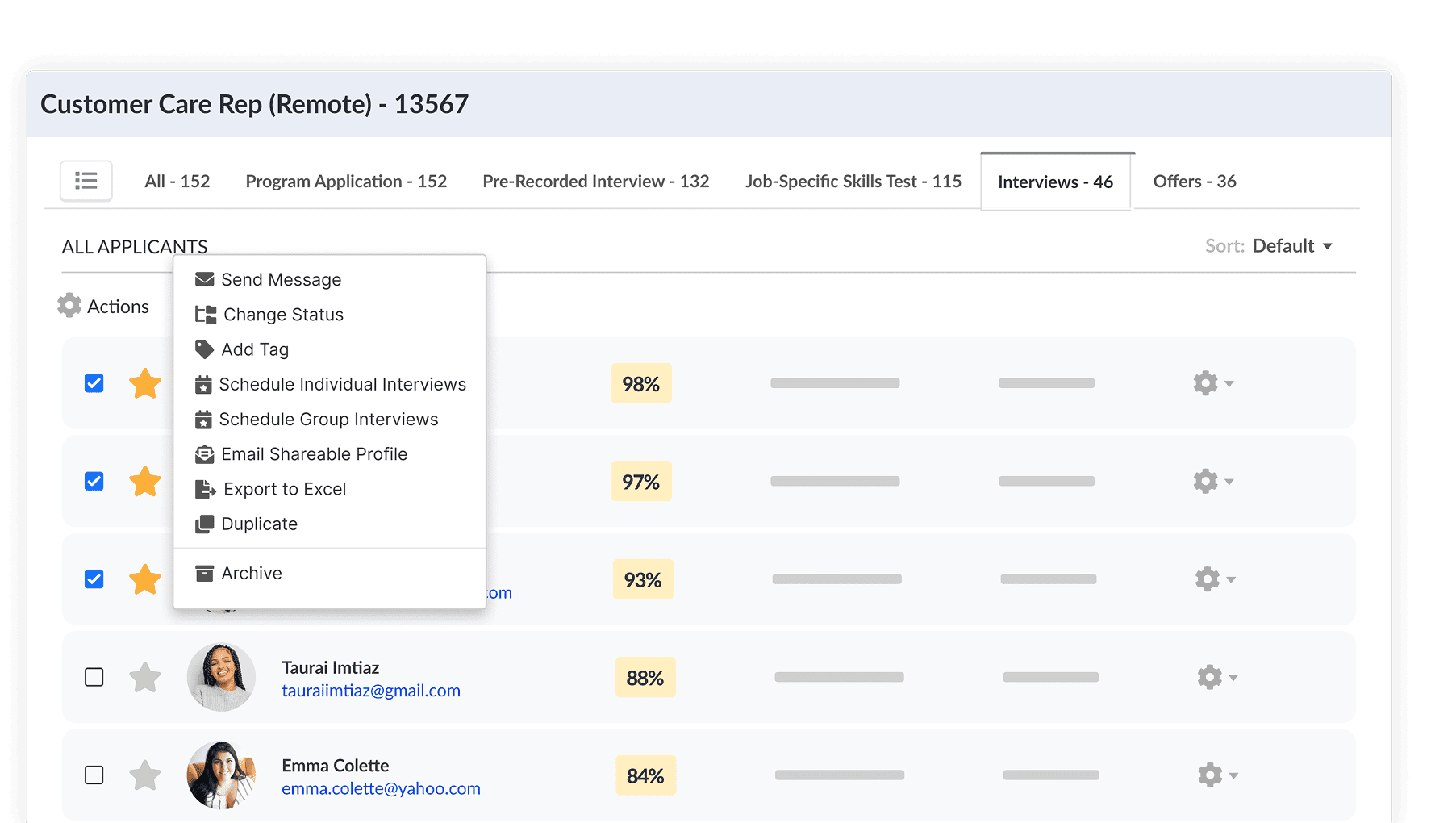
Screen an unlimited number of applicants.
VidCruiter screens candidates effectively when your team doesn’t have the time to interview large numbers of applicants.
Set clear expectations for better job fit.
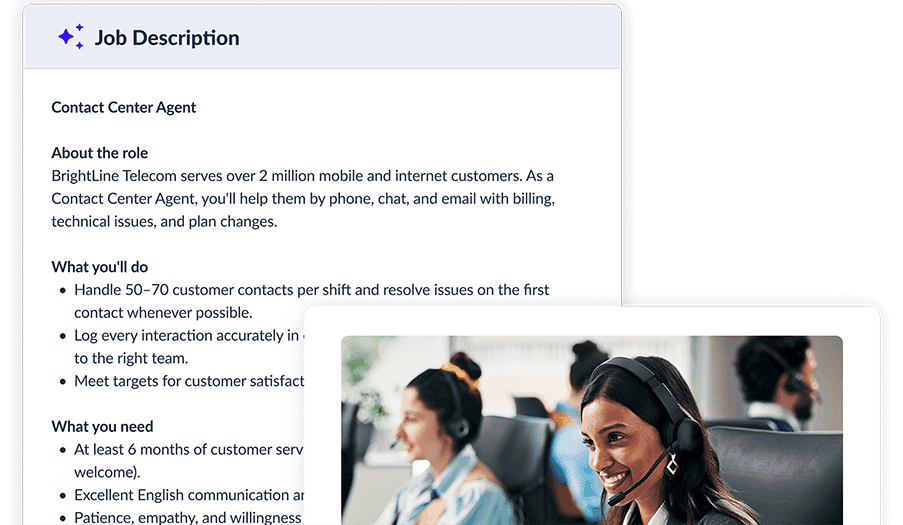
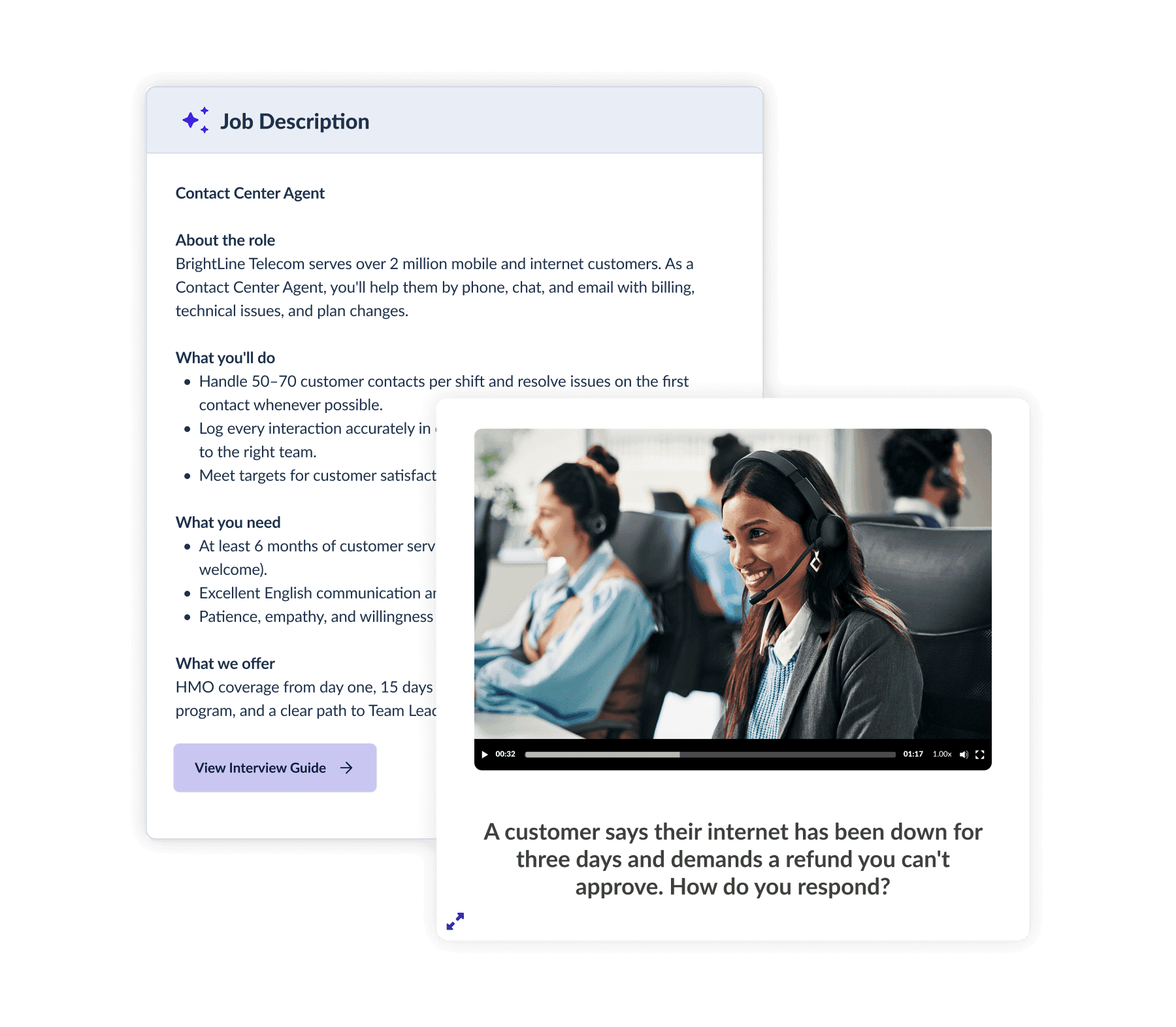
Use a realistic job preview to show applicants the role requirements before moving forward.
Recruit quality work-from-home agents anywhere.
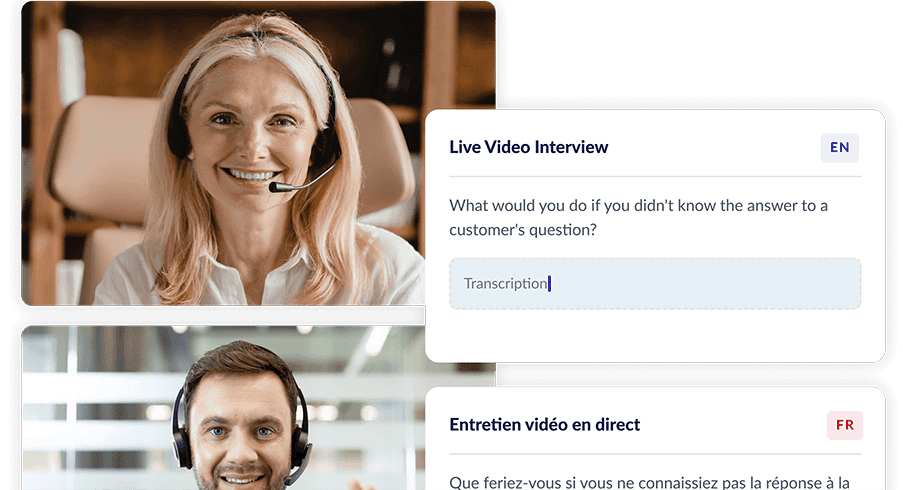
With the option of live video interviews and in-person interviews, your team can find qualified candidates no matter the approach.
What Is the Candidate Experience Like for Call Center Applicants?
The application experience is mobile-friendly, accessible, and easy to complete. Candidates can apply online from a mobile device without creating an account or downloading an app. They can watch the recruiter welcome video and record their responses on their own schedule.
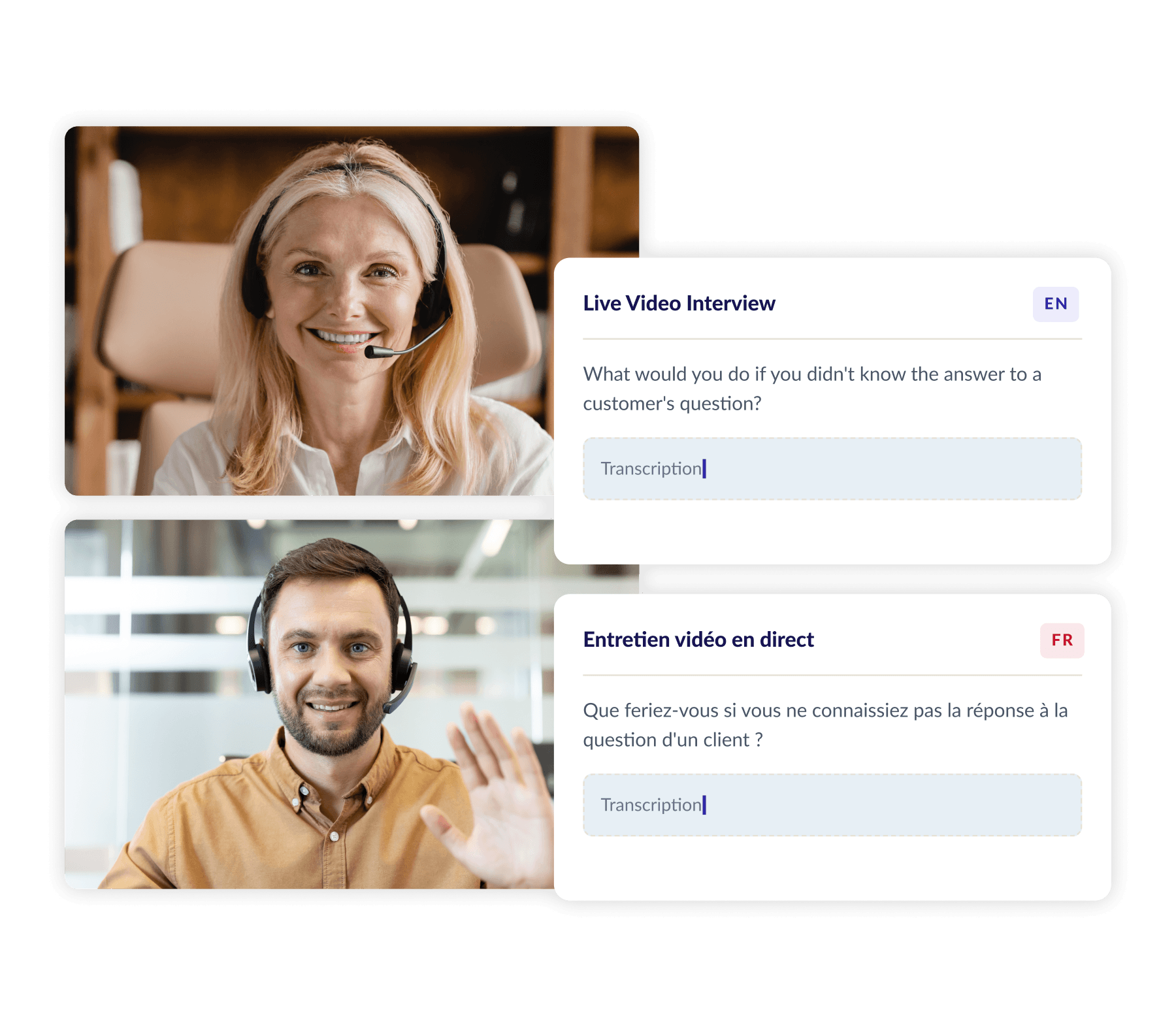
Candidates can also self-schedule follow-up interviews with automated SMS reminders. Interviewing is available in any language, and candidates have access to 24/7 applicant support. For accessibility, VidCruiter follows Web Content Accessibility Guidelines (WCAG) 2.2 AA.
Which Contact Center Teams Should Use VidCruiter?
In-house customer service centers.
BPO and outsourced contact centers.
Ideal for multi-client and multi-site teams managing BPO recruitment and recruitment process outsourcing across diverse programs. VidCruiter offers adaptable workflows for different clients, roles, and locations while maintaining consistent evaluation.
Work-from-home agent programs.
Multilingual and offshore sites.
For your supervisor and team lead roles, hybrid interviewing provides flexibility to participate by phone, video, or in person. Hourly hiring software supports retail and service employers with high-volume recruitment needs.
How Does VidCruiter Handle Security, Compliance, and Global Hiring?
VidCruiter supports secure, compliant global hiring with recognized security standards, privacy safeguards, compliant data handling, and regional data residency options. Configure the security and compliance controls to suit the needs of your recruitment team.
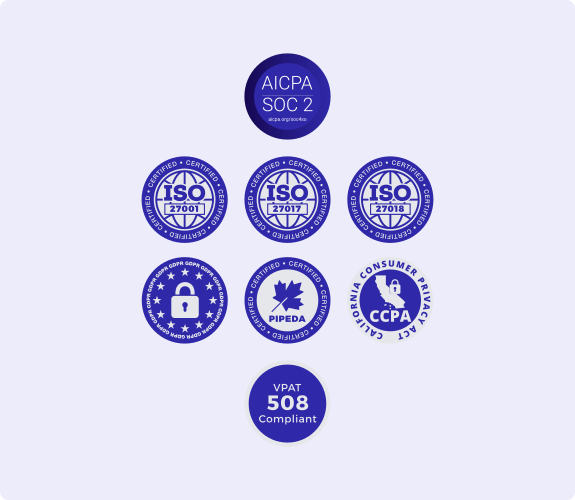
The system offers SOC 2 Type II (System and Organization Controls), ISO (International Organization for Standardization) 27001, ISO 27017, and ISO 27018 security standards. VidCruiter recruitment software supports local privacy requirements such as the General Data Protection Regulation (GDPR), Personal Information Protection and Electronic Documents Act (PIPEDA), and California Consumer Privacy Act (CCPA). It also offers global data hosting and data residency options so teams can decide where and how information is stored.
With WCAG 2.2 AA, VidCruiter supports accessible hiring. Role-based permissions and audit trails help teams maintain controlled, traceable access across sites.
What ATS and HR Platforms Does VidCruiter Integrate With?
VidCruiter integrates with leading applicant tracking systems (ATS), HR, and recruiting platforms to connect existing recruitment workflows. Applicant tracking software integrations support data sharing and workflow continuity across recruitment tools. APIs (Application Programming Interfaces) and other integration options provide flexibility for custom environments.
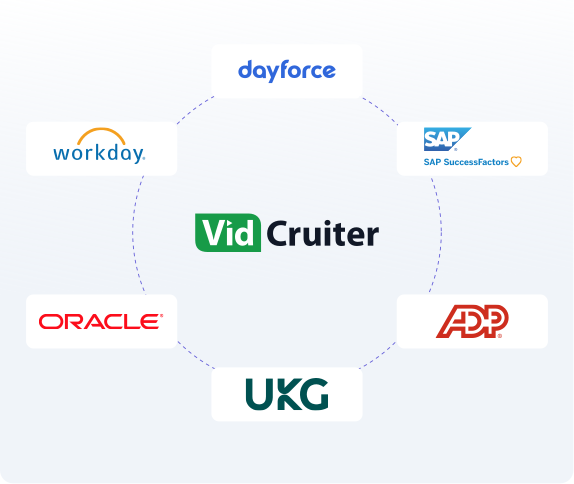
Native sync with: Dayforce, SAP, Workday, ADP, Oracle, and UKG.
See How Contact Centers Use VidCruiter

Paymentsense screens around 10,000 applications annually. Contact centers can use VidCruiter's recruitment software to support high-volume hiring with tools for screening, interviewing, and managing candidates.
Read the Case StudyWe hire better people, therefore, we provide better customer service, therefore, customers stay with us longer.

Luke Govier
Head of Talent Acquisition, Paymentsense
Hourly Hiring Software FAQs
Get Started with VidCruiter
Equip your contact center recruiting team with tools to screen, conduct interviews, and manage high-volume hiring. Find and hire qualified candidates quickly with VidCruiter.