


Recruitment automation
How automation speeds up screening, communication, and reporting.
SHARE THIS ARTICLE


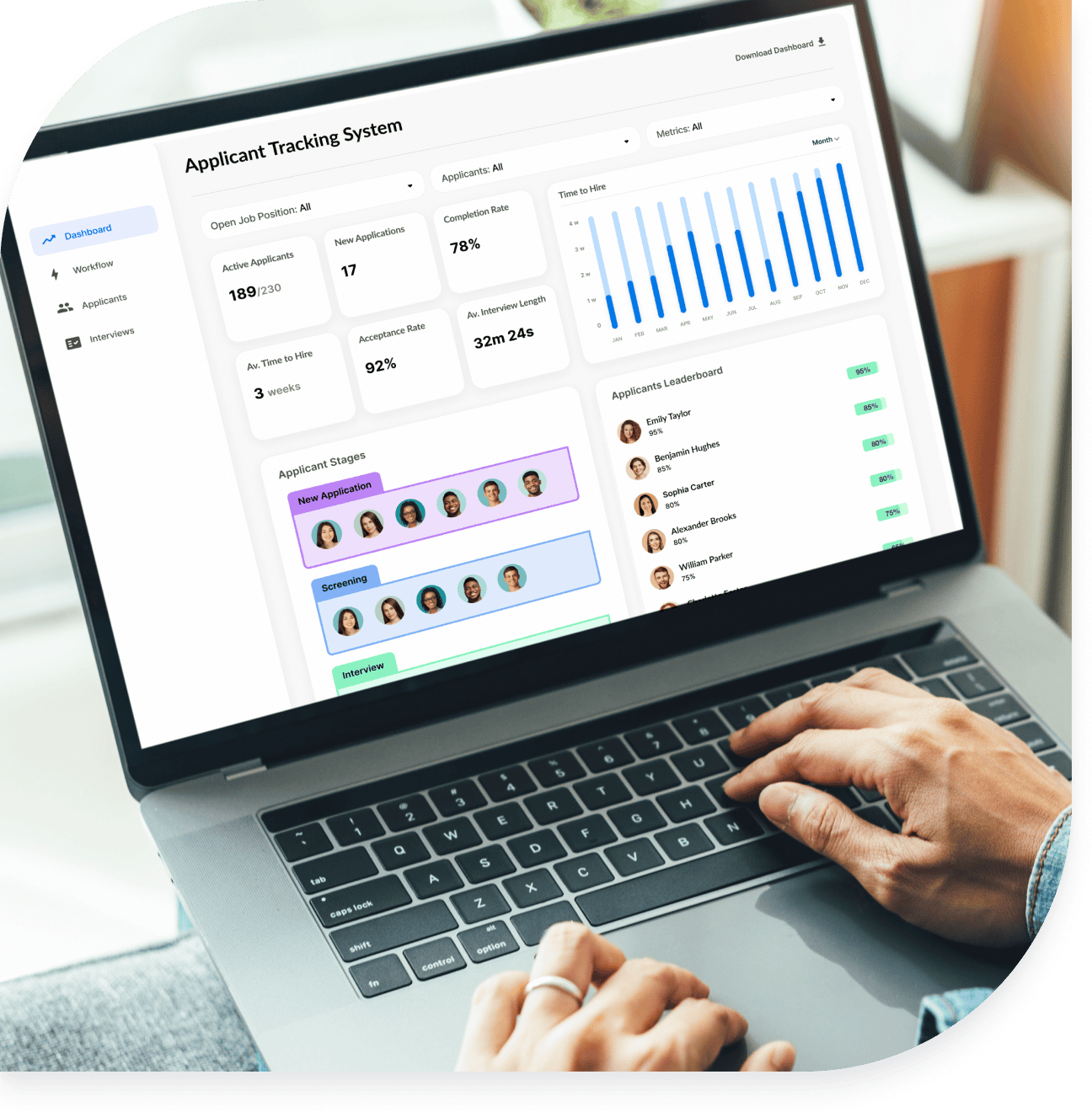
An applicant tracking system (ATS) is software that employers use to collect, organize, and track job applicants across the hiring process, and it is the category of tool VidCruiter builds within its recruiting platform. Hiring teams use an ATS to post jobs, screen resumes, coordinate interviews, and keep every candidate record in one place, which shortens time-to-hire and makes decisions more consistent. For more than a decade, VidCruiter has supported this work for government agencies, high-volume employers, and global organizations.
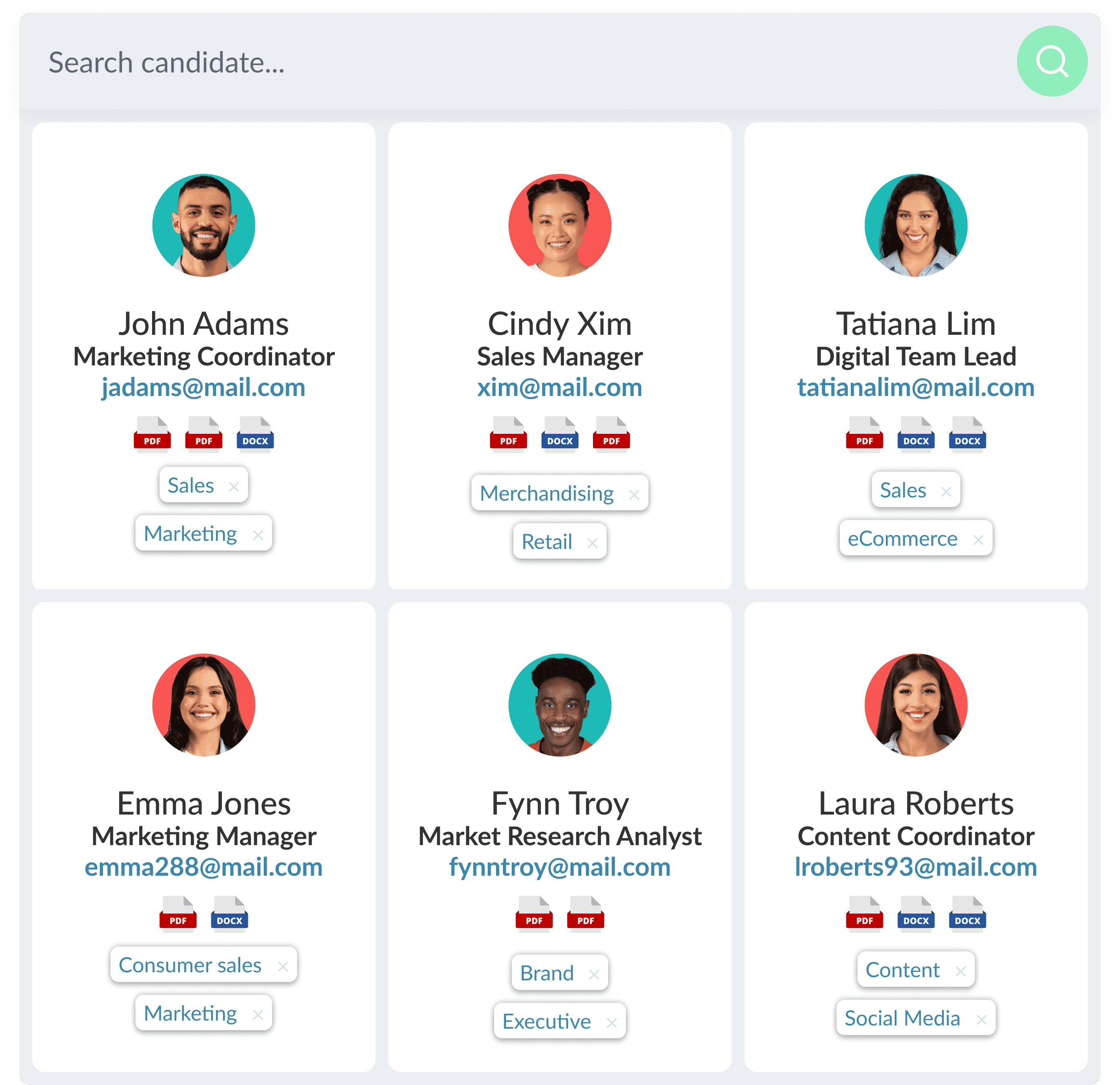
An applicant tracking system is recruiting software that employers use to collect and store information about job applicants. "ATS" stands for applicant tracking system. Early systems were mostly databases, but the software now automates candidate communication, coordinates and schedules interviews, builds candidate profiles, and records compliance data.
In short, the ATS definition centers on one idea: a single system of record for everyone who applies. Instead of resumes scattered across inboxes and spreadsheets, every applicant, note, rating, and message lives in one place the whole team can access.
An ATS differs from adjacent tools. A Human Resources Information System (HRIS) manages employee data after the hire, while an ATS manages applicant data before it; see ATS vs HRIS for the full comparison. Some platforms also fold into candidate relationship management, so a strong ATS can serve the role many teams expect from a separate Candidate Relationship Management (CRM) system.
An ATS works by digitizing hiring through automated workflows and integrations, which cuts manual steps and keeps a live record of every applicant. Most systems move a candidate through these stages:
One caution: resume parsing can filter out qualified people when a resume uses images, tables, or unusual formatting. Applicants can avoid this with an ATS-friendly resume.

The top features of an ATS fall into a few groups. The right mix depends on your hiring volume and process, so assess current and future needs before comparing platforms.
The types of ATS available are usually grouped four ways: by deployment model, by organization size, by industry, and by whether the tool is standalone or part of a wider suite. Rather than fundamentally different technology, most types of applicant tracking systems differ in how they are hosted, how much they automate, and how deeply they fit a given sector.
ATS types differ most visibly by the size of the team using them. Start-ups and small businesses benefit from job board integration, resume parsing, and timely communication that let small teams hire faster and often stand in for a formal HR department; many serve as end-to-end tools that reduce hiring costs. Enterprise and high-volume employers need advanced automation and search to pre-screen thousands of applicants, store data centrally, and automate scheduling across complex calendars, which matters most in hybrid work.
Each industry tends toward platforms built for its requirements.
Most organizations now run a cloud-based (online) ATS rather than an on-premise system hosted internally. A cloud system lets global teams manage hiring locally while holding to company-wide standards, and it removes the maintenance of self-hosting. When comparing cloud vendors, vet each provider's encryption and security credentials, covered below.
The last distinction among different applicant tracking systems is scope. A standalone ATS handles tracking and hands off to separate tools for interviewing, testing, and reference checks. An all-in-one suite combines those functions, reducing vendors and keeping candidate data consistent from application to hire. VidCruiter takes the suite approach through its recruitment automation platform.
The main benefit of an ATS is that it centralizes hiring, which saves time and improves decisions. On average, recruiters spend about 13 hours sourcing candidates for one opening, and an ATS cuts that sharply.
An ATS is especially valuable for high-volume hiring, seasonal peaks, and global recruiting, where automation lets teams scale without adding headcount.
To choose the best ATS, match features, automation, and support to how you actually hire, then confirm the platform can grow with you. Review your current process and list required features before comparing vendors.
A red flag is a vendor that treats implementation and training as an afterthought. Most rollouts take two to four weeks, and setup shapes long-term adoption.
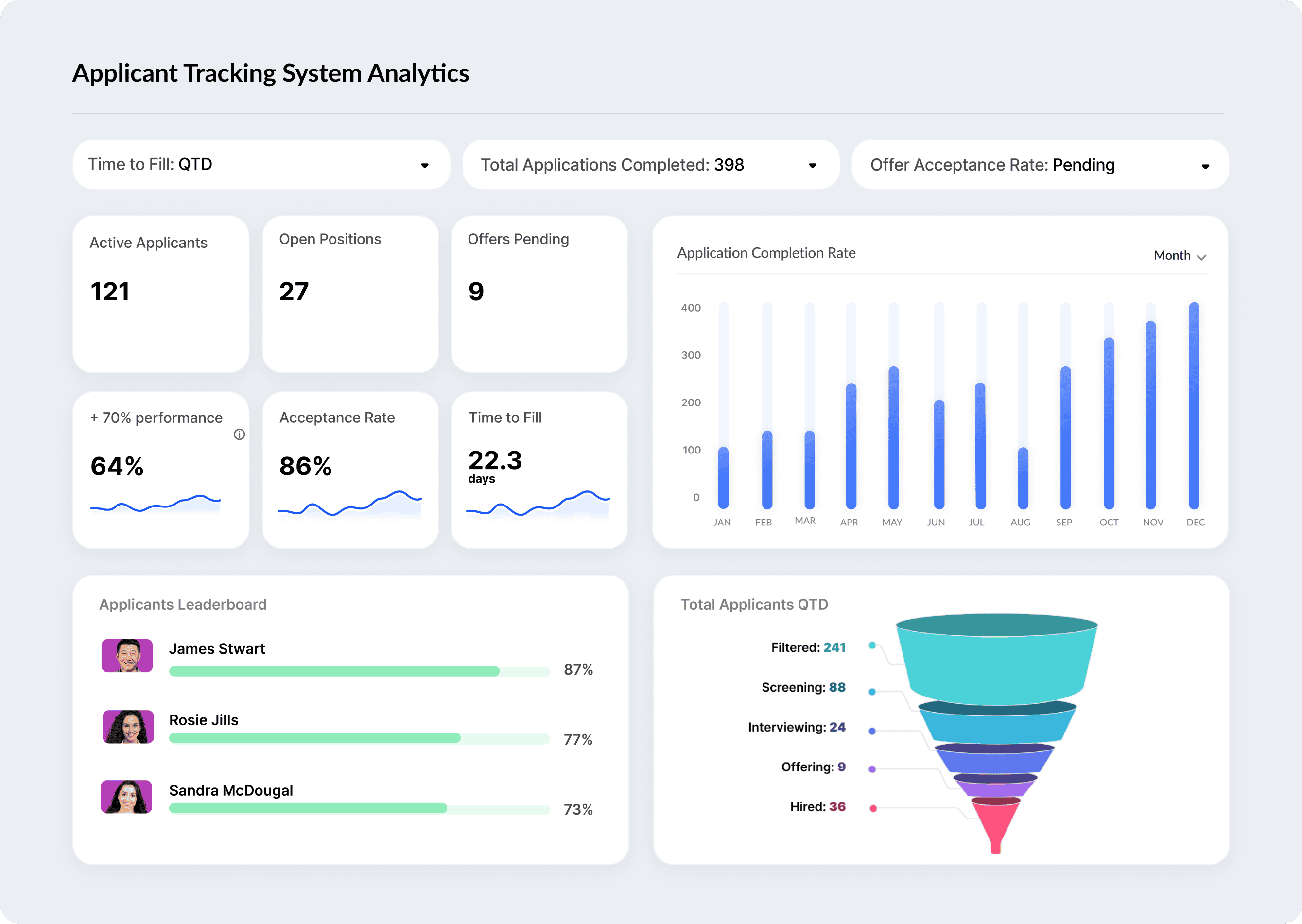
Many current systems use AI for resume parsing, candidate matching, and predictive analytics, which speeds up early screening. The value comes from pairing that speed with human judgment: results should support a recruiter's decision, not make it for them.
Responsible use also means addressing the AI risks tied to regulatory and ethical concerns. A durable ATS keeps AI features transparent and helps teams apply analytics in ways that mitigate the impact of hiring bias. For more, see our AI framework guide.

A cloud-based ATS should demonstrate strong security before you trust it with candidate data. Ask each vendor to show credentials and encryption in transit and at rest.
VidCruiter maintains these standards; see the security page.

The cost of an ATS depends on the pricing model. Common models are per user, per job posting, and flat-fee subscription. Open-source systems exist but usually come without implementation or support, shifting that work in-house. Most implementations take two to four weeks.
VidCruiter uses custom pricing based on team size, hiring volume, and the tools you need. See the pricing page or request a demo.
Request a demo or explore the applicant tracking software.
An ATS scans resumes for employment history, education, and job-specific requirements such as skills and certifications, then scores each candidate against the job description.
It automates resume screening, interview scheduling, and candidate communication, which saves time and makes recruitment more consistent across roles and reviewers.
No. Many platforms include AI features such as resume parsing and candidate matching, but some rely on straightforward automation and filtering. When AI is present, results should be reviewed by a person.
Not exactly. Many top systems include candidate relationship management features that can replace a separate CRM, and some add talent acquisition tools to form an all-in-one platform.
An ATS manages applicant data before the hire; an HRIS manages employee data from onboarding onward. The two often integrate so data transfers at the offer stage.
Cost depends on the model, which may be per user, per job posting, or a flat subscription. VidCruiter uses custom pricing based on your needs.
Organizations of every size, from start-ups to global enterprises. Smaller teams do more with fewer resources; larger teams scale hiring and collaborate across locations.
Modernize your hiring process with expert insights and advice.

Recruitment Essentials:
Versatile Video Interviews
Unlock the potential of recruitment automation with VidCruiter's comprehensive interviewing solutions. Our platform offers:
 Pre-Recorded: Flexible and efficient, allowing candidates to record responses at their convenience.Live Video: Real-time interaction with candidates, featuring standardized questions and rating guides.Structured Rating: Enhance hiring accuracy with a fair and consistent evaluation process.
Join thousands of organizations transforming their hiring process. Learn more and book a demo.